Help
Finding your way around
On a phone, the bar along the bottom goes to Home, Calendar, Life Events, People and More. A number on People means unread messages.
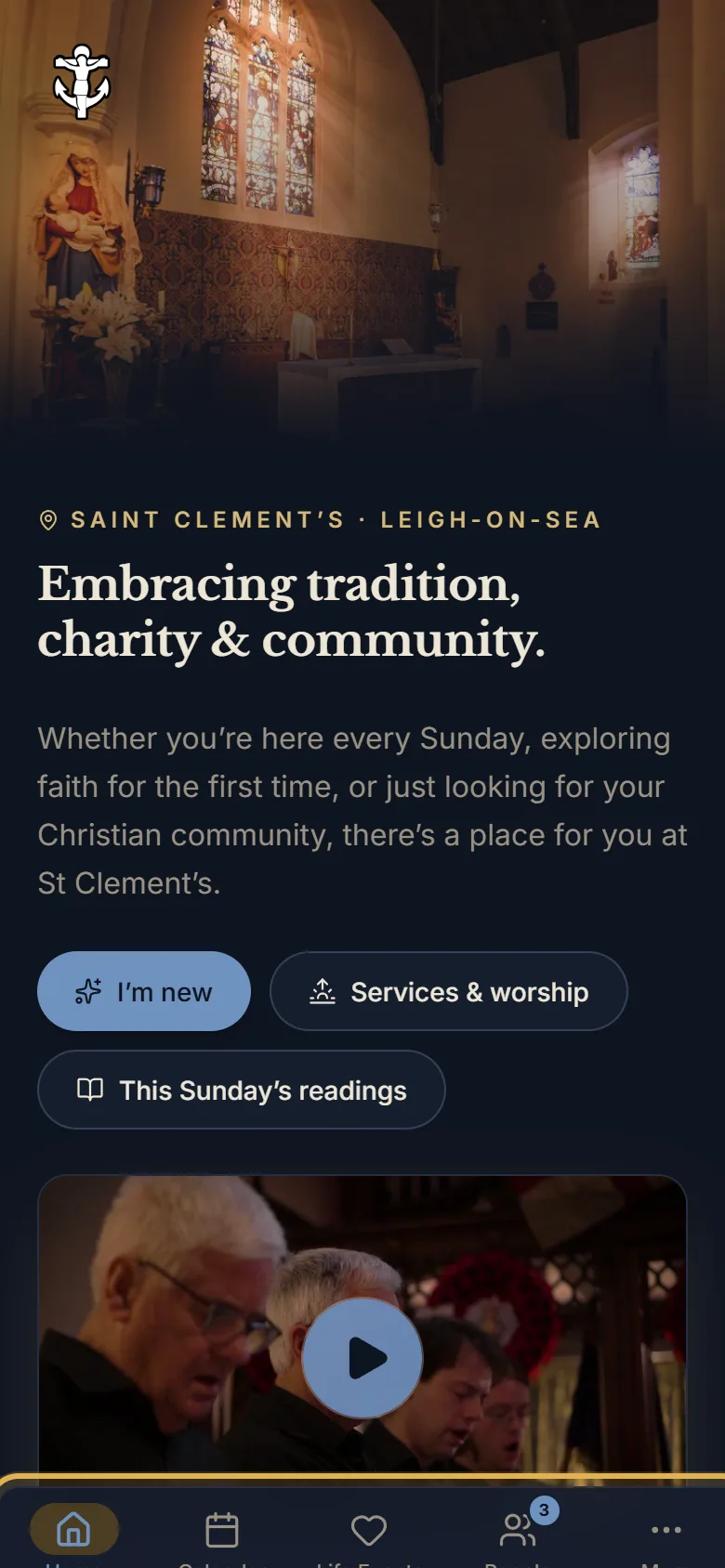
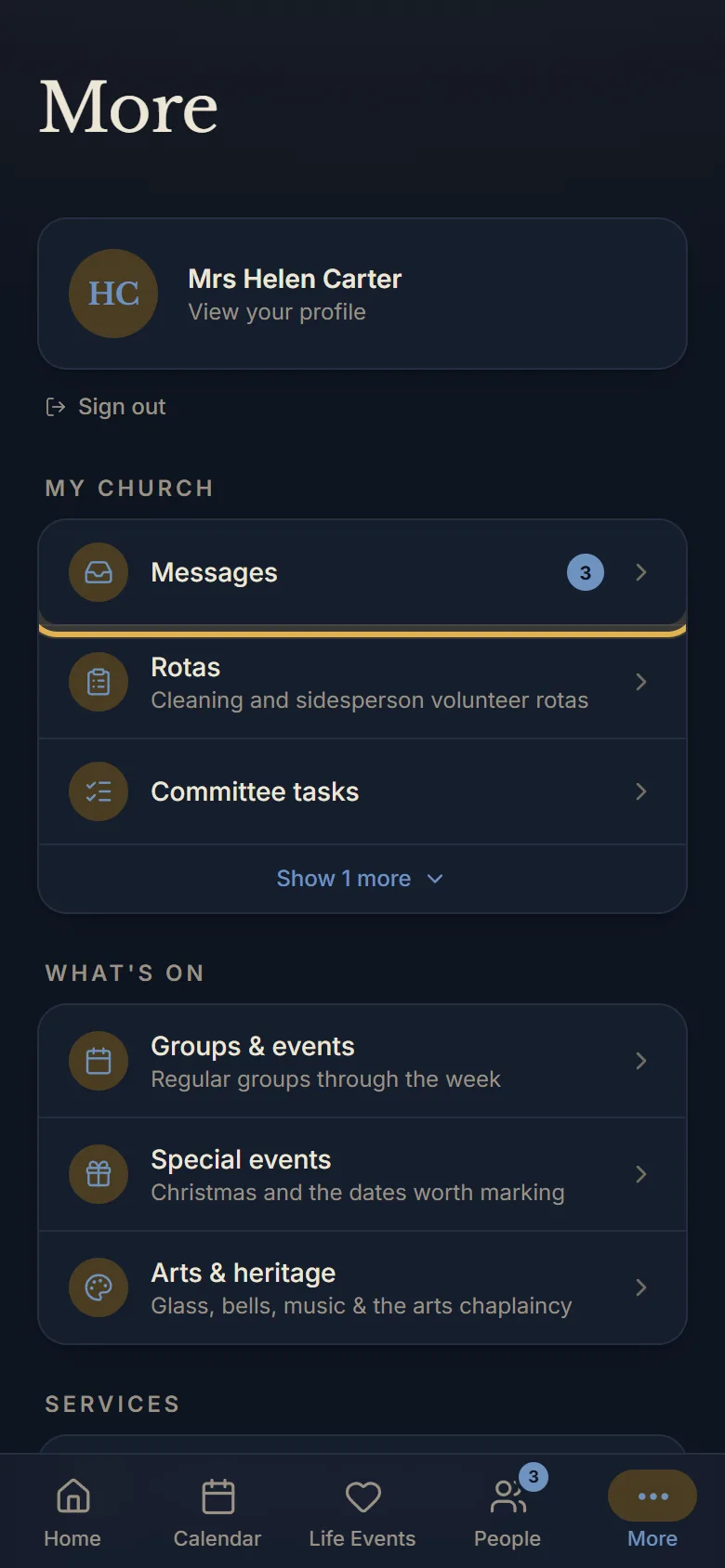
More has everything else, in sections. Staff find the Staff area at the top. Your own things come next, under My church. Show more opens the rest of a section.
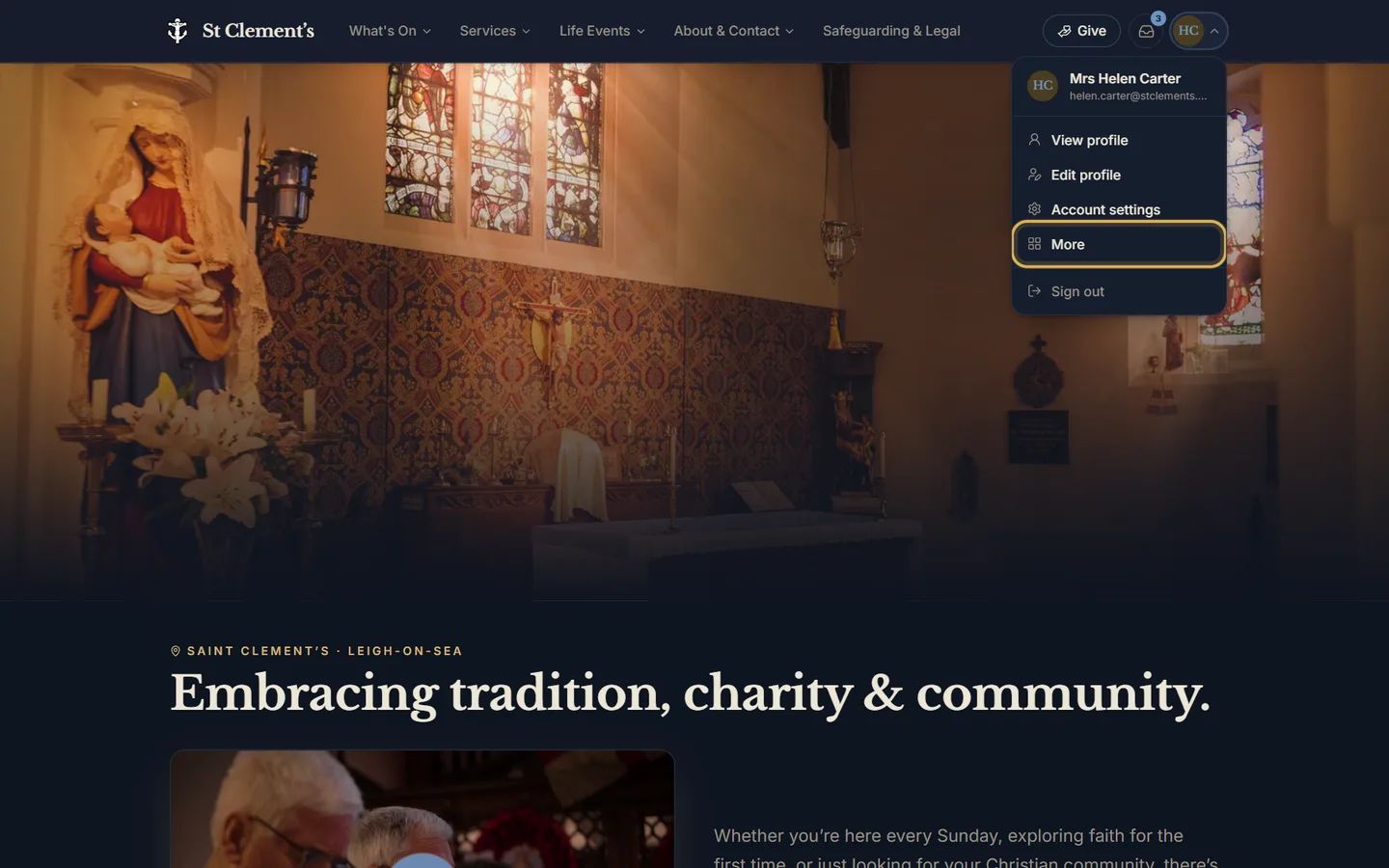
On a computer, the menu along the top has the public pages. Your picture, at the top right, opens your account: your profile, Account settings, and More, with everything else.
Staff have a Staff area link at the top right. Inside it, the public pages give way to a list down the left of everything you look after: mail, enquiries, messages, rotas, committees, Health and Safety and the website, as your roles allow. On a phone, the list is under the menu at the top right. Exit staff area goes back to the public website.